Resume anything
Pause and continue later, even after restarting the PC. Lost connections retry on their own, and an expired link can be replaced without starting over.
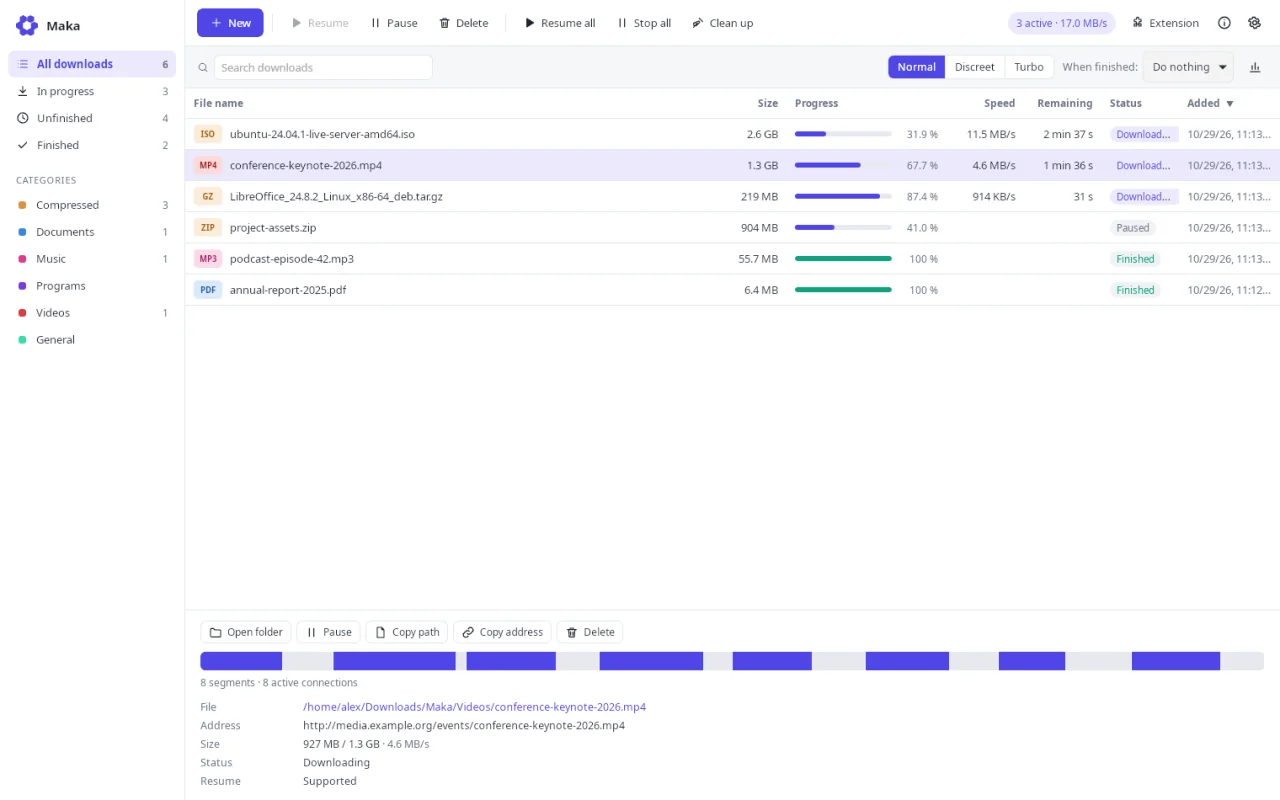
The free download manager for Windows and Linux.

 Install Maka


 Add the extension to your browser
 Click a download: Maka speeds it up
Maka is an app for Windows and Linux computers.
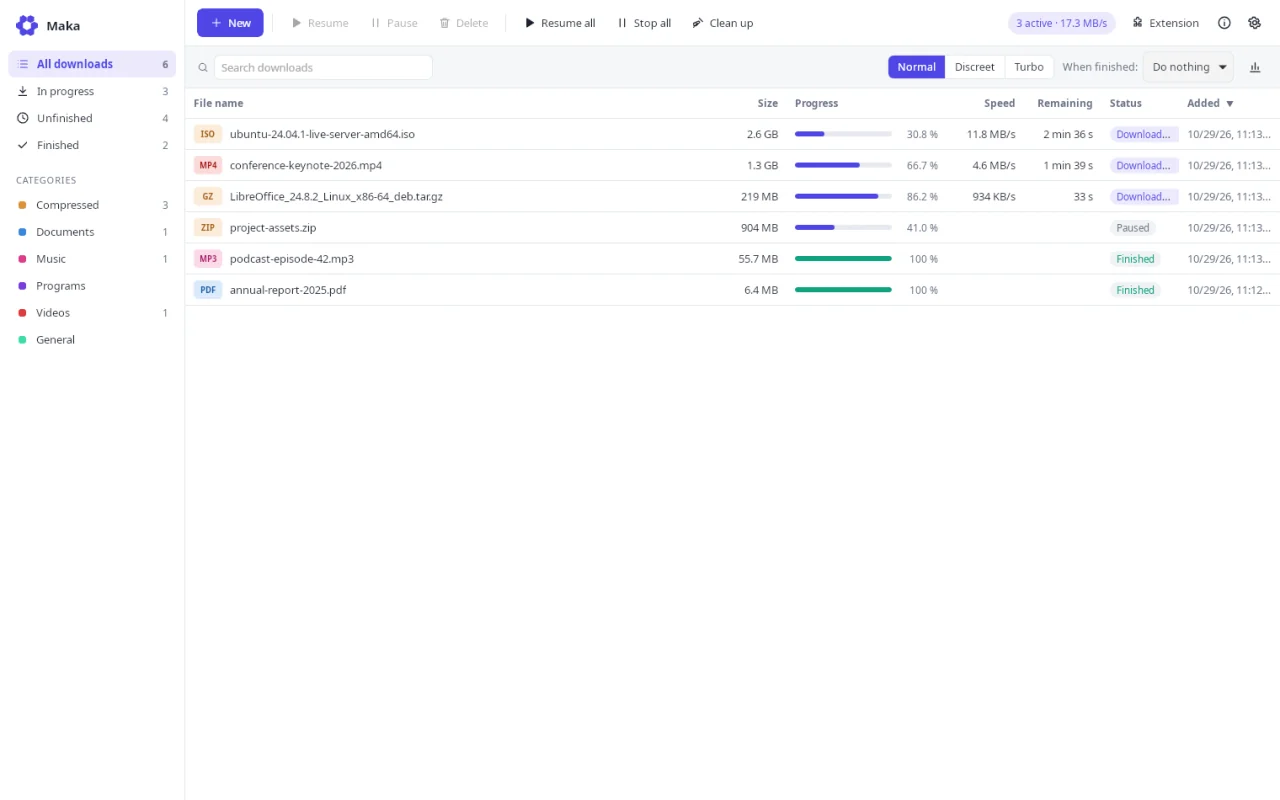
Maka runs on Windows 10 and 11 and on Linux. Its extension works in Chrome, Edge, Brave, Vivaldi and Firefox.
The extension for Chrome, Edge, Brave, Vivaldi and Firefox hands downloads to Maka with their cookies, so links behind a login keep working. Right-click any link or photo to send it.
You are using {0}.
Everything a browser does not do well, done properly.
Pause and continue later, even after restarting the PC. Lost connections retry on their own, and an expired link can be replaced without starting over.
A Download button on videos - YouTube, TikTok, Instagram, Facebook, Telegram and more. Pick 4K, 1080p or audio only; formats are ready by the time you click.
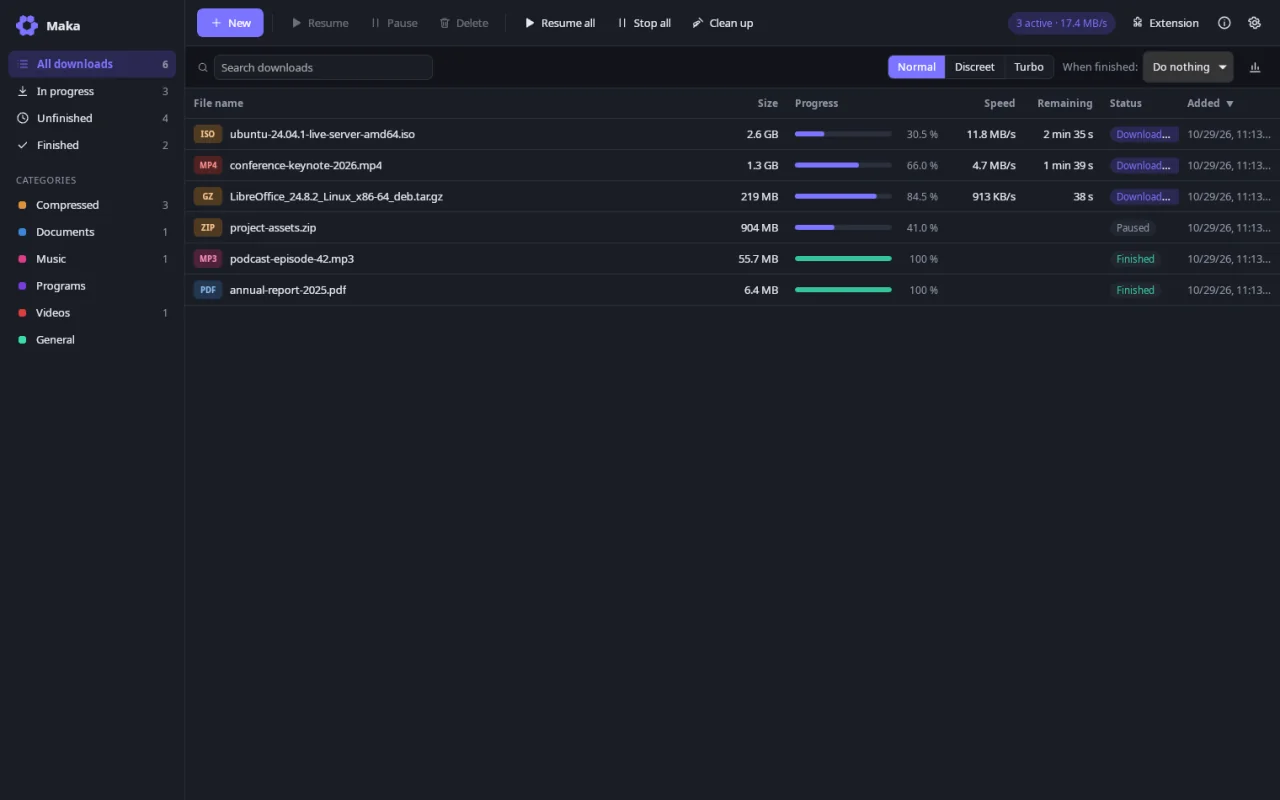
Start the queue at night, stop it in the morning, slow down during working hours, then put the PC to sleep or shut it down when everything is done.
Grab every link of a page, paste a list, drop links on the window, or expand patterns like photo[01-50].jpg. Whole playlists and channels too.
The extension only talks to Maka on 127.0.0.1. No account, no analytics, no ads.
Files come straight from the sites you choose. To look for updates, Maka downloads one small file from maka.araylab.com and yt-dlp asks GitHub for its own; neither request carries an identifier.
The Maka team at Araylab
Free, for Windows and Linux. Installs in seconds, without administrator rights.
Maka is an app for Windows and Linux computers.
Windows 10 and 11, 64-bit.
AppImage, 64-bit. Ubuntu 22.04+, Debian 12+, Fedora 36+ or any distribution with WebKitGTK 4.1.
Make the file executable (chmod +x), then open it: Maka adds itself to your applications menu.
Yes. There is no trial period, no account and no advertising.
Yes, as an AppImage for 64-bit distributions with WebKitGTK 4.1: Ubuntu 22.04+, Debian 12+, Fedora 36+, Linux Mint 21+. It updates itself like on Windows. Snap or Flatpak browsers cannot start Maka when it is closed, but the extension works while it runs.
Chrome, Edge, Brave, Vivaldi, Chromium and Firefox. On Chromium-based browsers, install the extension from the Chrome Web Store; for Firefox, follow the guide Maka opens on first launch. Without the extension you can still paste links in Maka.
Yes, when the server allows it, which most do. If the link expired, open the page again, copy the new link and use “Update address”: what was already downloaded is kept.
Yes, from YouTube and many other sites, in the resolution of your choice or as audio. Only download content you have the right to copy; DRM-protected videos are not supported.
Maka opens several connections to the same server and downloads different parts of the file at the same time, which works around per-connection limits.
On Windows: Settings → Apps → Installed apps → Maka → Uninstall. On Linux: quit Maka and delete the AppImage. Your downloaded files are never deleted.